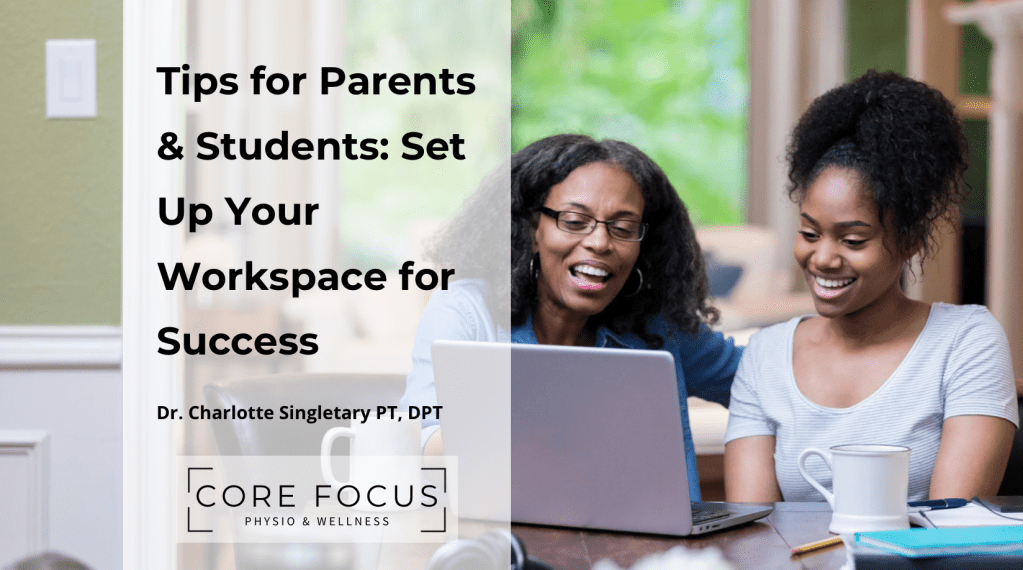

I’ll be the first to admit it, I’ve worked on my laptop from bed, curled up on the couch editing Instagram reels, and even graded papers while laying on my stomach on the floor. None of these positions are “bad” in and of themselves, but when you rack up hours in postures that strain your neck, back, and hips, your body starts to notice. And mine definitely does.
I catch my kids doing the same thing, sprawled out on the floor with homework or hunched over tablets. It’s easy to remind them to sit up straight or move to the table, but let’s be honest, it’s a lot harder to model it consistently. And if we don’t model it, those reminders don’t really stick.
That’s why this post is all about making small, doable changes to your home or school workspace, so everyone can feel more energized, focused, and supported during the day. Whether you’re homeschooling, working remotely, or just helping your kids through homework, a more ergonomic setup makes a big difference.
Why Ergonomics Matter (for All Ages)
Ergonomics is just a fancy way of saying: set your space up so your body doesn’t have to fight to stay comfortable. Poor posture over time can lead to tension headaches, sore shoulders, back pain, or stiff hips. It doesn’t have to be complicated—and it doesn’t have to be expensive.
A few thoughtful tweaks can turn that dining room table or bedroom corner into a space that supports better posture and less pain.
1. Desk and Chair Height Guidelines
A basic rule of thumb for all ages:
- Feet flat on the floor (or a footrest)
- Knees at or just below hip level
- Elbows at a 90-degree angle for typing or writing
For kids:
- Use a step stool or a stack of books under their feet.
- Add a cushion behind their back if the chair is too deep.
For adults:
- Adjust your seat height or switch out chairs until you find the right fit.
- Place a rolled towel or small pillow at the low back for support.
Working at a kitchen counter or bar? Use a taller stool so you’re not reaching or shrugging.
2. Screen and Keyboard Positioning
Neck and eye strain are real—and preventable.
- Screens should be at eye level, about an arm’s length away.
- If you’re using a laptop, prop it up with books or a stand and use a separate keyboard and mouse.
- Tablets and phones? Use holders or stands rather than holding them in your lap for long stretches.
This is especially important for kids doing hours of schoolwork on small screens. Encourage breaks to stretch wrists, blink often, and move their eyes away from the screen.
3. Budget-Friendly Ergonomic Fixes
You don’t need a fancy sit-stand desk or ergonomic chair to improve your setup. Here are some quick fixes using what you already have:
- Foot support: a sturdy box, yoga block, or thick book
- Screen risers: use board games, cookbooks, or an inverted laundry basket
- Back support: a rolled towel or throw pillow
- Laptop stand: a cookbook holder or a wire shelf flipped upside down
Sometimes all it takes is rethinking the items around you!
4. Posture Checkpoints and Stretch Reminders
Even with a great setup, posture fatigue happens—especially during long work or school days. Try building in short posture check-ins and stretch breaks every 15, 30, or 60 minutes:
- Sit up tall and gently roll your shoulders back
- Take three deep breaths, letting your ribcage expand
- Stand up and reach overhead
- Do a few neck rolls or wrist circles
Encourage your kids to do the same—build a little reset break between subjects or after a longer assignment. I like to use a timer or visual cue to remind everyone to move.
Small Shifts, Big Wins
There’s no such thing as perfect posture 100% of the time. But when we spend most of our day in positions that support the natural curves of our spine, our bodies thank us.
Take five minutes today to assess your (and your kids’) setup. Try one small change—add a footrest, lift your screen, or roll a towel behind your back. You’ll be amazed at how much lighter and more focused you feel by the end of the day.
And when your kids see you modeling it? That’s when the real learning sticks.
Disclosures & Disclaimers
Hey there! Just a heads-up. When you click on my links and make a purchase, I might get a tiny commission. It doesn’t affect my honest reviews and comparisons one bit! I’m all about recommending stuff I’ve personally tried, genuinely love, thoroughly researched, and wholeheartedly endorse.
** The views and opinions expressed on this site belong to Vigeo Ergo Consulting LLC. Any advice or suggestions offered herein are not a replacement for medical advice from a physician or other healthcare professional. My blogs are for informational and entertainment purposes only. It is not a substitute for professional medical advice, diagnosis, or treatment.
 Core Focus Fit
Leave a comment